


Quick Answer
A video wall controller is the hardware or software that splits one image across several screens, so they behave like a single display. It scales the content, sends the right section to each screen and corrects for the gaps between panels. To choose one, check your screen count, panel type, content sources and how you’ll manage content.
From the shop floor, a video wall looks simple: one big, continuous picture. Behind it, something has to cut that picture into sections and send each piece to the right screen. That’s the video wall controller. Below, we cover what a video wall controller does, how it differs from a processor and from content management software, and what to check before you choose one. New to the topic? Start with what a video wall is. To see what DMX installs, browse our video wall solutions.
What Does a Video Wall Controller Do?
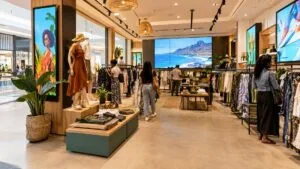
A video wall controller takes content from one or more sources and turns it into a single image that spans every screen in the wall. Without one, each screen would show its own picture, or a copy of the same one. With one, a digital video wall reads as a single large display, whether it’s in a flagship store, a hotel lobby or a corporate reception area. That’s why it matters across retail, hospitality and workplace digital signage.
Video Wall Controller, Processor or Software: What’s the Difference?
The terms overlap. Plenty of suppliers use “controller” and “processor” for the same thing, so ask exactly what’s included in a quote. In practice, there are three pieces to understand.
| Piece | What it is | Suits | Watch out for |
|---|---|---|---|
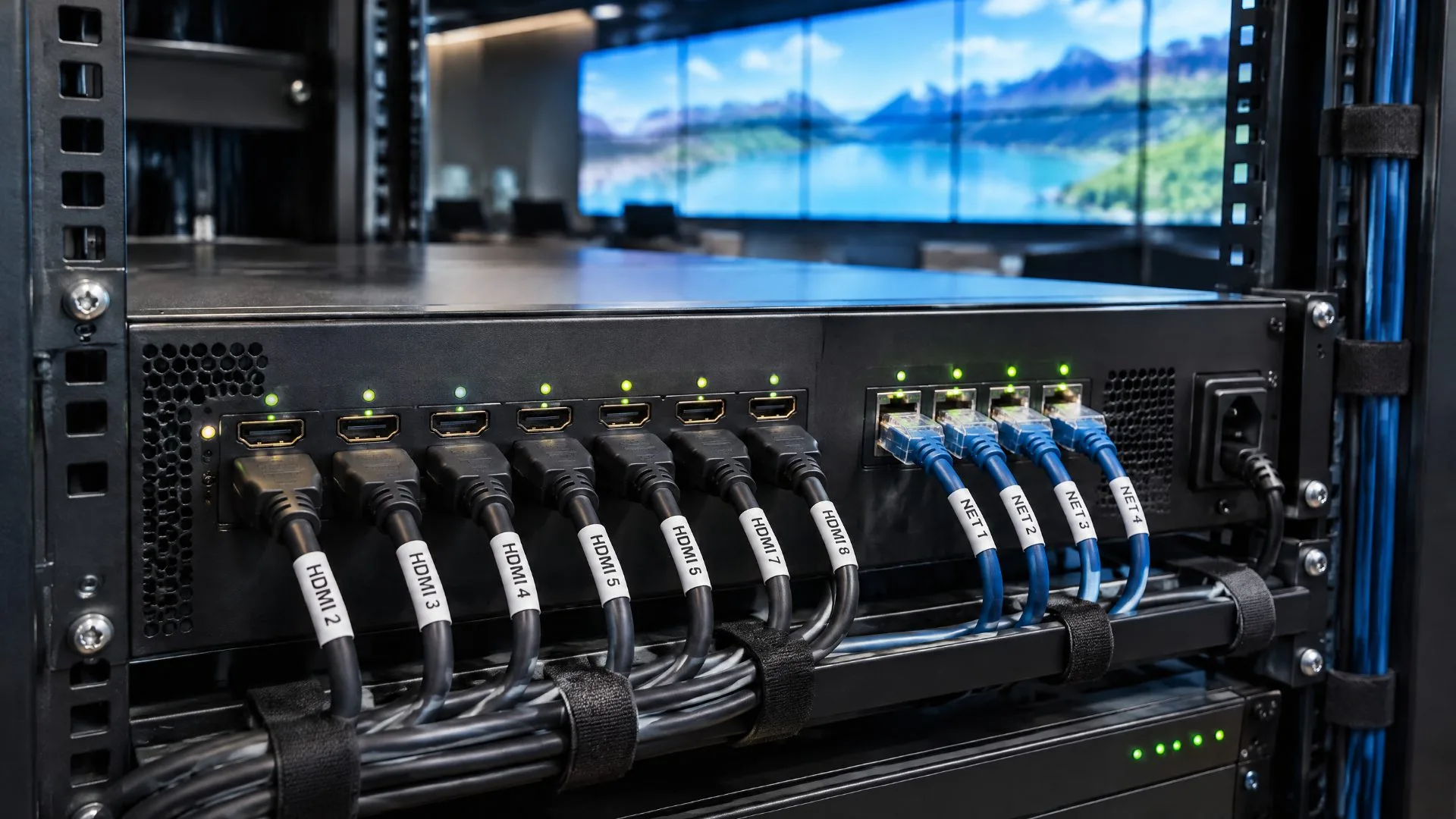
| Hardware controller (processor) | A dedicated box with inputs for your sources and an output for each screen | Walls with a fixed number of screens and a need for dependable, dedicated processing | The number of outputs must match your wall layout |
| Software controller | Software that runs on a computer fitted with graphics cards | Walls where flexibility matters | Performance depends on the computer and graphics cards |
| Content management platform | Software that decides what plays, where and when | Any wall running scheduled content, from one site or many | It manages the content, so confirm with your supplier how the picture is split across the screens |
Most buyers need all three ideas covered, even when they arrive in one package. A quote that only lists screens usually has a gap in it.
How a Video Wall Controller Works
Every controller follows the same basic sequence:
- Content comes in. The source could be a media player running a schedule, a live feed or a mix of several.
- The controller scales it. It resizes the content to fit the full width and height of the wall.
- It splits the image. The wall is treated as one canvas, and each screen gets the section that matches its position.
- It corrects for the gaps. Screens have borders, called bezels. Bezel compensation shifts the image so it lines up across those gaps and doesn’t look cut off.
- Each section goes to its screen. Every panel shows its own slice at its native resolution, and together they form the full picture.
Tip: if the wall looks stretched, misaligned or soft, start by checking the scaling and splitting steps.
LED and LCD Video Wall Controllers
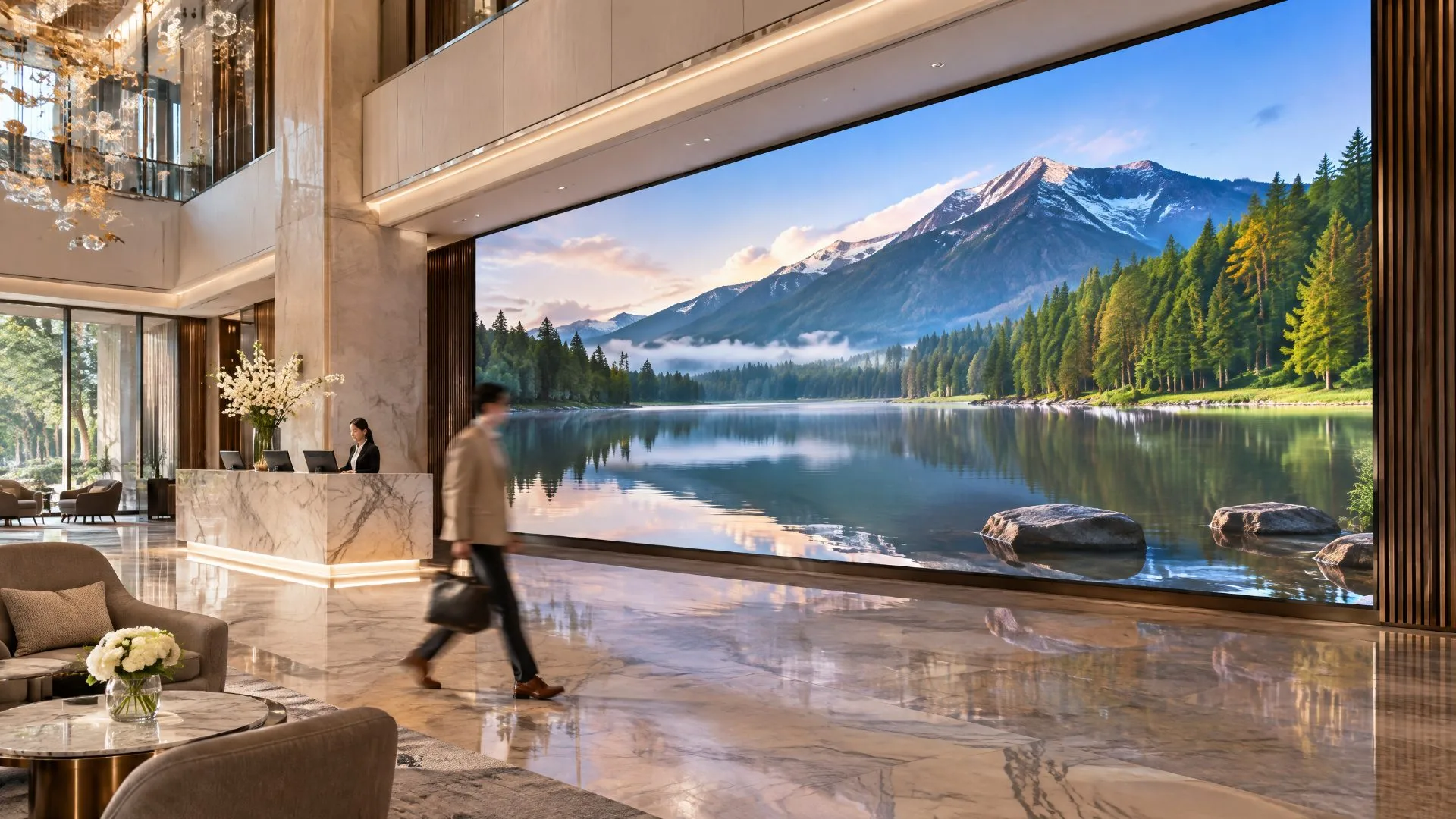
The panel type changes the controller’s job. LCD screens have a visible frame between them, and the closer you stand, the more you notice it, so bezel compensation matters. LED panels can be built with almost no visible bezel, so an LED video wall reads as one continuous image even up close. An LED video wall controller is usually chosen together with the panels, because the two need to work as a matched system. Confirm that with your supplier before you buy either part on its own.
Still deciding between the two? Read our guide to LED vs LCD video wall panels, or see how an LED wall compares with multiple display screens.
What to Check Before You Choose a Video Wall Controller
Work through these questions before you sign off on video wall systems:
- How many screens, and in what layout? The controller needs an output for every screen. A simple grid is easier than a custom shape, so share your wall dimensions early.
- LED or LCD? Panel type affects how bezels are handled and what the controller has to support.
- What will it display? A scheduled playlist of branded content is a different job from several live sources at once. Pick the controller that fits the job you actually have.
- What resolution do you need? The controller should send each section at your screens’ native resolution, so check it matches your panels.
- Who updates the content, and how often? Promotions, daily specials and seasonal campaigns all change. You want one place to update every screen, not a trip to each one.
- Do you run more than one site? If so, look for central management across locations.
- What support comes after installation? A video wall display runs through your trading hours. Ask who looks after it once it’s on the wall.
One technical note: every display DMX supplies has an HDMI input, so a media player can attach to it. Any screen you plan to use needs one too.
Where Harmony Fits In
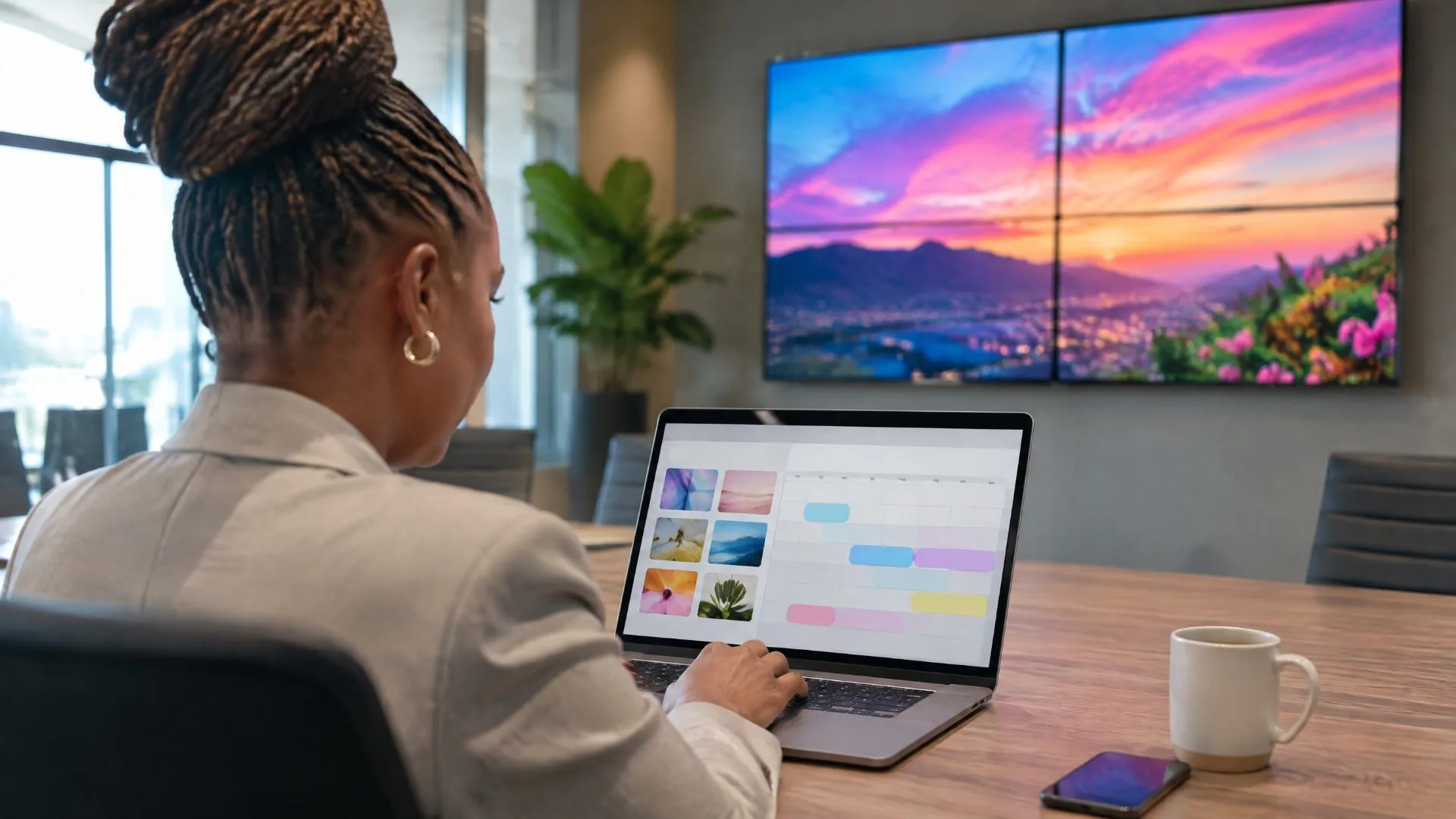
Every DMX video wall is powered by the Harmony platform. It gives you one place to schedule, update and manage content across every screen in real time, from one location or many. No separate software to learn, and no updating screen by screen. That covers the content side of your digital signage video wall. How the wall itself is configured depends on your space, panel type and budget, and our team works that out with you during your free consultation.
Want the basics of managing content first? Read content management made easy or visit our content management page. For a real installation, see how The Marc goes digital with an LED video wall.
Common Mistakes to Avoid
- Choosing screens first and the controller later. The controller has to match the layout, panel type and content you plan to run.
- Ignoring bezels. On LCD walls, gaps in the picture are very noticeable up close.
- Forgetting about content. A wall is only as good as what plays on it, and stale content wastes the investment.
- Comparing quotes that cover different things. Check that each one includes the same pieces.
Talk to DMX About Your Video Wall
Tell us where the wall will go, how many screens you have in mind and roughly what you want to spend. Our team will design a video wall to suit your space and show you how Harmony runs it. Have a look at our video wall solutions and our wider digital signage range, then ask for a free consultation.